Physical Address
304 North Cardinal St.
Dorchester Center, MA 02124
Physical Address
304 North Cardinal St.
Dorchester Center, MA 02124

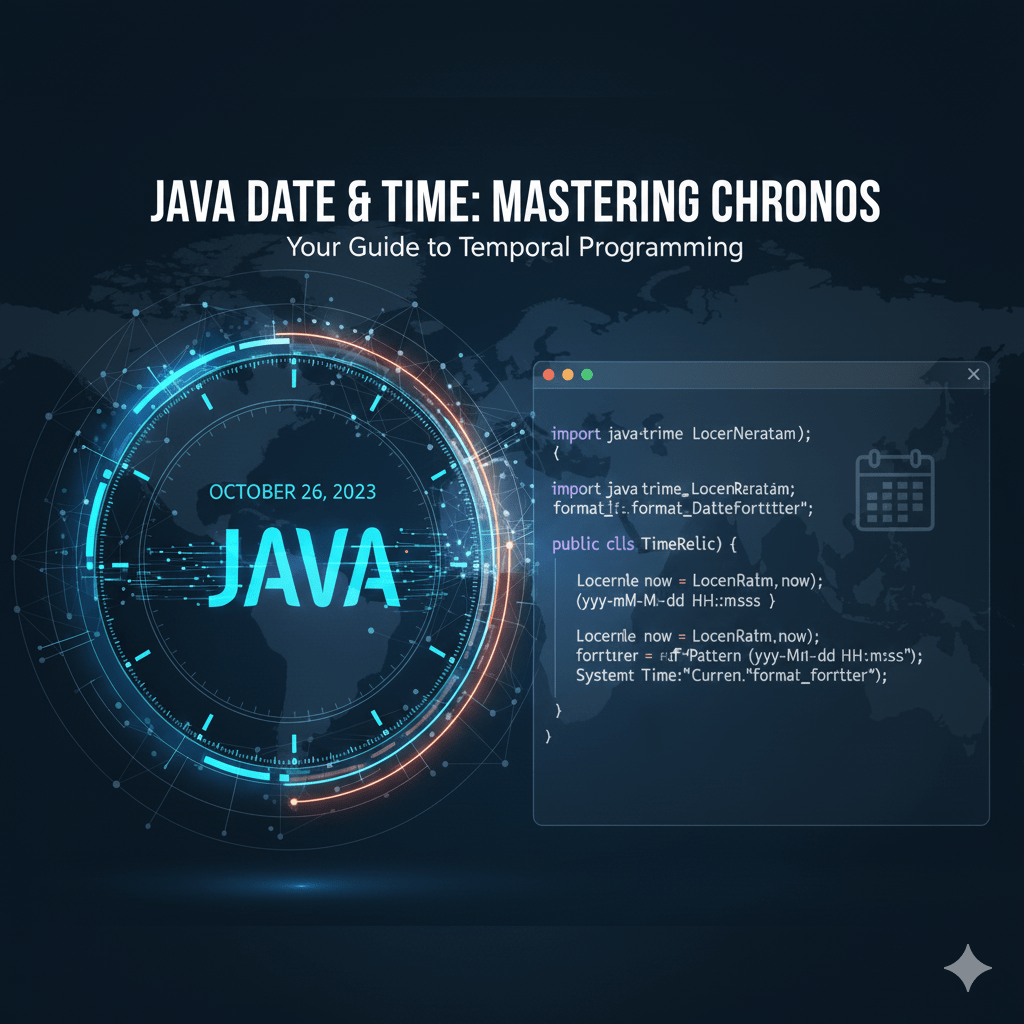
Handling dates and times is a common task in software development—and one that can quickly become tricky without the right tools. Fortunately, Java provides a powerful, modern date-time API through the java.time package, introduced in Java 8. This tutorial will walk you through the essentials of working with date and time in Java using this API, complete with examples you can use right away.
java.time API?Before Java 8, developers relied on java.util.Date, Calendar, or third-party libraries like Joda-Time. These older classes had several issues—lack of thread safety, confusing design, and mutable objects.
The java.time package:
Java offers different classes depending on what you need: only date, only time, or both.
LocalDate today = LocalDate.now();
System.out.println("Today's Date: " + today);
LocalTime timeNow = LocalTime.now();
System.out.println("Current Time: " + timeNow);
LocalDateTime current = LocalDateTime.now();
System.out.println("Current DateTime: " + current);
When working with international applications, you’ll often need time-zone-aware dates.
ZonedDateTime zonedDt = ZonedDateTime.now(ZoneId.of("America/New_York"));
System.out.println(zonedDt);
ZoneId.getAvailableZoneIds().forEach(System.out::println);
The DateTimeFormatter class lets you convert dates to strings and vice-versa.
LocalDate date = LocalDate.now();
DateTimeFormatter formatter = DateTimeFormatter.ofPattern("dd-MM-yyyy");
String formatted = date.format(formatter);

System.out.println("Formatted Date: " + formatted);
String dateStr = "25-12-2025";
LocalDate parsedDate = LocalDate.parse(dateStr, formatter);

System.out.println("Parsed Date: " + parsedDate);
The date-time classes include methods like plusDays(), minusMonths(), etc.
LocalDate today = LocalDate.now();
LocalDate nextWeek = today.plusWeeks(1);
LocalDate lastMonth = today.minusMonths(1);

System.out.println("Next Week: " + nextWeek);
System.out.println("Last Month: " + lastMonth);
You can compare dates using methods like isBefore(), isAfter(), and isEqual().
LocalDate d1 = LocalDate.of(2025, 5, 1);
LocalDate d2 = LocalDate.of(2025, 6, 1);

System.out.println(d1.isBefore(d2)); // true
System.out.println(d1.isAfter(d2));  // false
Use Period for dates and Duration for times.
LocalDate start = LocalDate.of(2023, 1, 1);
LocalDate end = LocalDate.of(2025, 1, 1);

Period period = Period.between(start, end);
System.out.println(period.getYears() + " years, " +
                   period.getMonths() + " months, " +
                   period.getDays() + " days");
LocalTime t1 = LocalTime.of(10, 0);
LocalTime t2 = LocalTime.of(15, 30);

Duration duration = Duration.between(t1, t2);
System.out.println("Hours: " + duration.toHours());
System.out.println("Minutes: " + duration.toMinutes());
If you are integrating with older codebases, you may need conversions.
Date to InstantDate oldDate = new Date();
Instant instant = oldDate.toInstant();
Instant to LocalDateTimeLocalDateTime dt = LocalDateTime.ofInstant(instant, ZoneId.systemDefault());
LocalDateTime to DateDate backToDate = Date.from(dt.atZone(ZoneId.systemDefault()).toInstant());
Used for years, months, and days.
Period period = Period.of(0, 2, 10); // 2 months and 10 days
Used for hours, minutes, and seconds.
Duration duration = Duration.ofHours(5);
The Java java.time API offers a clean, modern, and powerful way to handle date and time in your applications. Whether you’re formatting dates, calculating time differences, or working with time zones, the API provides tools that are both intuitive and robust.
If you’re still using legacy date classes, now is the perfect time to adopt the newer API for safer, cleaner, and more maintainable code.